White Screen
A fullscreen white screen makes dark pixels, dust, smudges, and brightness falloff easier to see.
Live screen test
Start with the real patterns.
Look for dark dead pixels, dust, and smudges on a full white field. This is not the six-color dead-pixel sweep.
What it checks
Use this test when you need a clear visual answer.
White Screen is built for quick inspection, not lab measurement. It gives you controlled browser patterns so you can decide whether the screen needs setup, retesting, or warranty attention.
Dark dead pixels
Dust and smudges
Brightness falloff
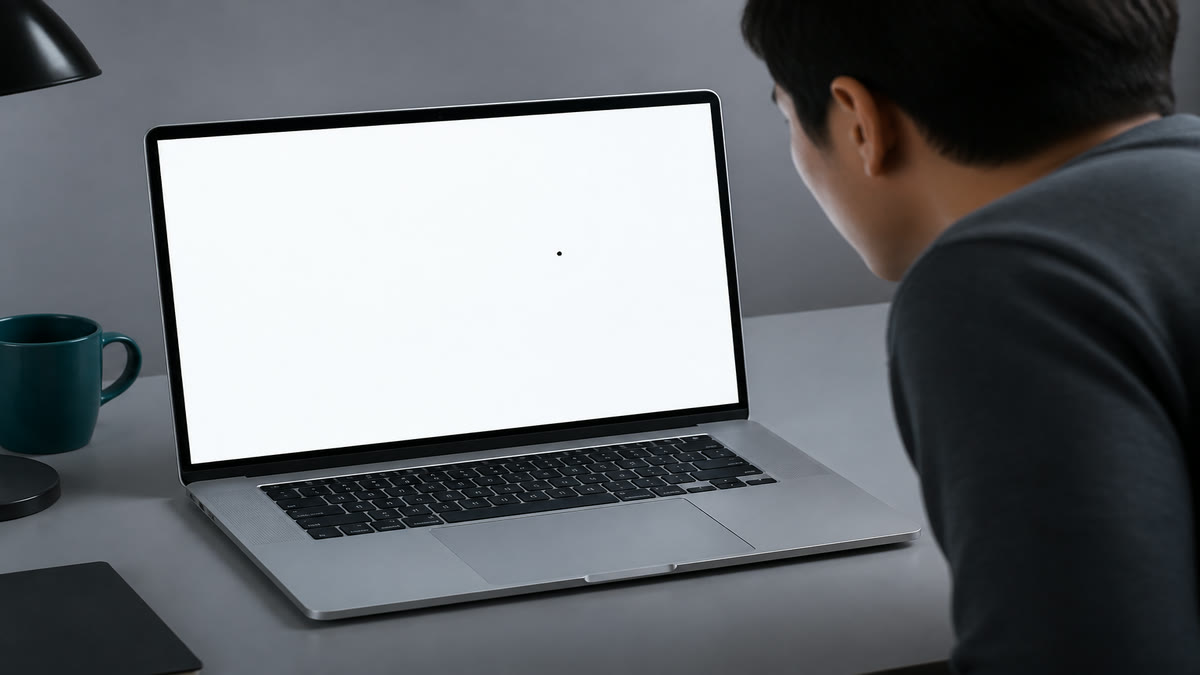
A dark spec that stays put on white is a dead pixel, not dust you can wipe away.
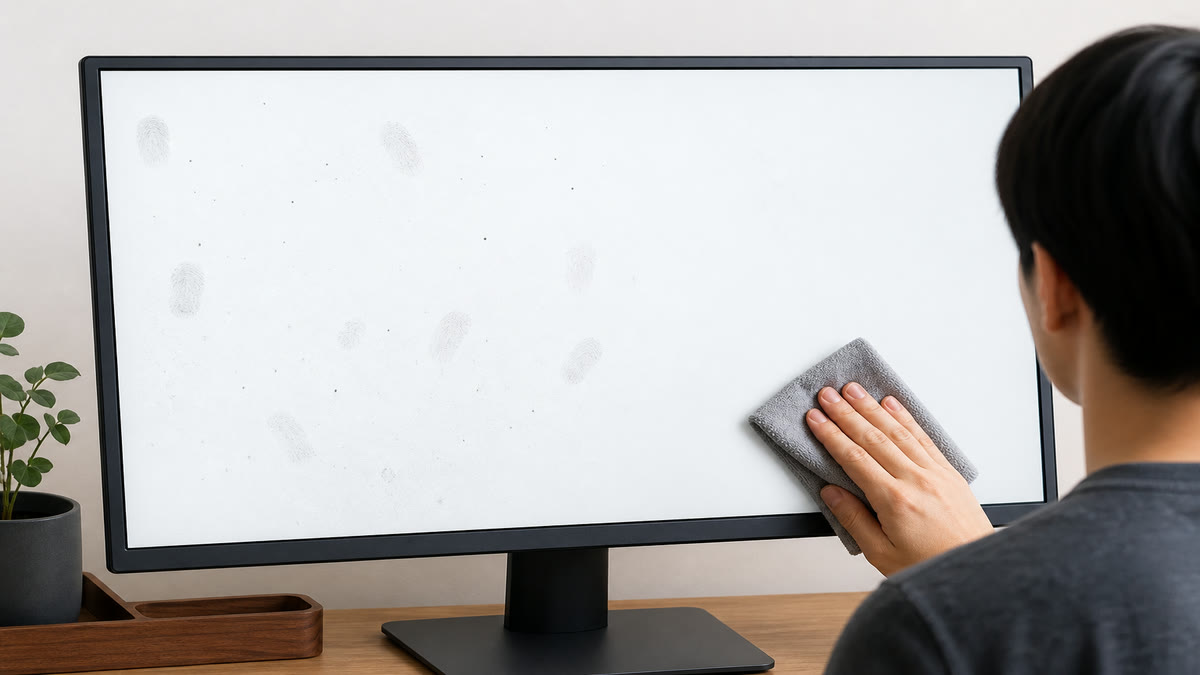
Dust and smudges light up on a full white field. Clean the glass before judging pixels.
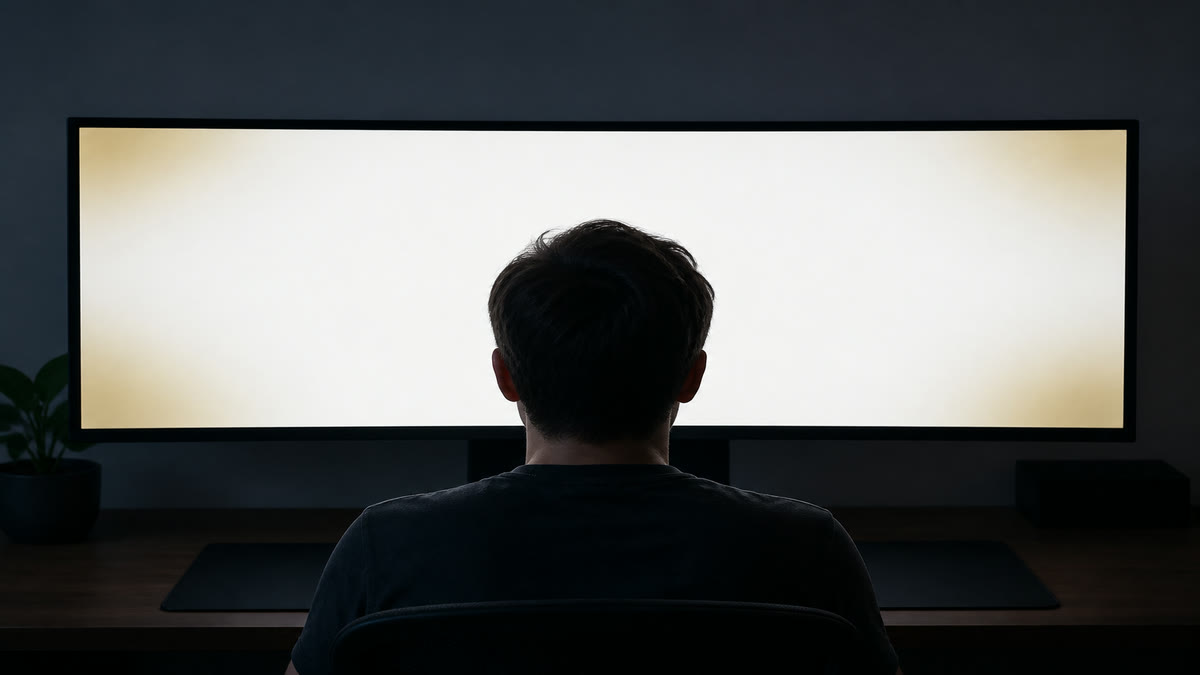
If the center is bright and the corners go dim or yellow, that is brightness falloff, not backlight bleed.
Result guide
How to read the white screen result
Start with the white pattern, then switch to adjacent patterns before making a decision. A real display problem usually stays in the same area when the pattern changes. A reflection, viewing angle shift, browser zoom issue, or temporary image setting often changes when you move your head, adjust brightness, or repeat the test after a restart.
Dark dead pixels
Use this page to isolate dark dead pixels under controlled screen patterns. Scan the center, edges, and corners, then confirm the same area with a second pattern before you treat it as a panel issue.
Dust and smudges
Use this page to isolate dust and smudges under controlled screen patterns. Scan the center, edges, and corners, then confirm the same area with a second pattern before you treat it as a panel issue.
Brightness falloff
Use this page to isolate brightness falloff under controlled screen patterns. Scan the center, edges, and corners, then confirm the same area with a second pattern before you treat it as a panel issue.
Workflow
How to use the white screen
Clean the panel gently, then open the fullscreen white screen.
Inspect the center, edges, and corners for dark dots or uneven brightness.
Use the dead pixel and uniformity tests if you see anything suspicious.
Use cases
Where this screen test is most useful
Screen cleaning
Dust and smudges stand out on a bright white background.
Pixel inspection
Dark inactive pixels are easiest to spot on white.
Light table use
Use a tablet or monitor as a simple bright surface when appropriate.
Reading the result
Practical tips before you decide
Lower brightness if needed
Pure white at maximum brightness can be uncomfortable in a dark room.
Check for yellow tint
Uniform white helps reveal warm or cool tint zones.
Pair with gray
Gray screens often reveal uniformity issues that white can hide.
Device setup
Use the same screen test across real viewing setups
The white screen works best when the test matches the way you actually use the display. Keep the room lighting, brightness, scaling, and viewing distance close to normal, then repeat the pattern only after a setting change. This keeps the result practical instead of turning the page into a lab claim.
Desktop and laptop monitors
Use native resolution, 100 percent browser zoom, and the monitor picture mode you normally use. If you change brightness, contrast, overdrive, or color temperature, repeat the white screen pass before comparing results.
TVs, projectors, and large panels
Step back to your real viewing distance after a close inspection. Large screens can exaggerate small edge, glow, focus, or processing issues, so confirm anything suspicious with normal video, games, or desktop content.
Phones and tablets
Rotate the device if the browser supports it, clean the glass, and reduce reflections before judging the result. Some mobile browsers limit fullscreen behavior, but the same pattern sequence still helps with quick display checks.
Related tests
Continue with adjacent checks
Dead Pixel Test
Use full-screen color fills to find pixels that stay black, white, or visibly different from the surrounding panel.
Screen Uniformity Test
Uniformity patterns help you see whether brightness and color remain consistent from center to corners.
Brightness Test
The brightness test helps you set a comfortable level while keeping near-black and near-white detail visible.
Black Screen
A fullscreen black screen helps reveal bright stuck pixels, light leakage, OLED behavior, and dark-room panel glow.
FAQ
White Screen questions
These answers match the visible test on this page and avoid warranty or measurement claims that depend on your specific display.
What is a white screen test used for?
It is used to spot dark pixels, dust, dirt, and brightness uniformity issues on a display.
Is a white screen safe?
Yes for normal short use. Reduce brightness if the screen feels uncomfortable.
Can white screen reveal backlight bleed?
Not well. Use the black screen or backlight bleed test for light leakage.
Why does white look tinted?
Tint can come from color temperature settings, panel uniformity, night mode, or calibration.
Is this a dead pixel test, a flashlight, or Whitestone glass?
No. This page is one white field, plus a light gray if falloff hides on clipped white. The six-color dead-pixel sweep stays on the dead pixel page. Bright spots on white are usually falloff or clouding; corner glow on black is the backlight bleed page. It is not a flashlight app and not a screen-protector shop.
Can I use the white screen on more than one device?
Yes. Open the same page on each monitor, laptop, phone, tablet, TV, or projector, then compare the white screen result under similar brightness and room lighting. Device browsers can handle fullscreen differently, but the visual patterns are still useful for a practical check.
Does this online white screen test replace professional calibration?
No. This page is a browser-based visual test for finding obvious display problems and setup issues. For color-critical work, brightness targets, or measured calibration, use a hardware colorimeter or professional display workflow after the visual pass.
How to Check a Monitor for Dead Pixels
A reliable dead pixel check uses fullscreen solid colors, steady lighting, and a repeatable inspection path. The goal is to separate real panel defects from dust, reflections, scaling artifacts, and temporary cable issues.
How to Test a New Monitor
A new monitor should be tested before you mount it, remove packaging, or let the return window pass. Start with panel defects, then verify uniformity, tone, text clarity, refresh rate, and real content.
Monitor Calibration Guide
Browser tests can help you set a monitor to a sensible baseline and spot obvious problems. They do not replace a colorimeter, but they make brightness, contrast, gamma, sharpness, and banding easier to judge before hardware calibration.
Ready to inspect the full screen?
Open the fullscreen pattern and move through the test slowly.