Guides
Monitor testing guides for practical screen decisions.
Use these guides when you need a workflow, not just a test pattern. Each guide links back to the relevant fullscreen tools.
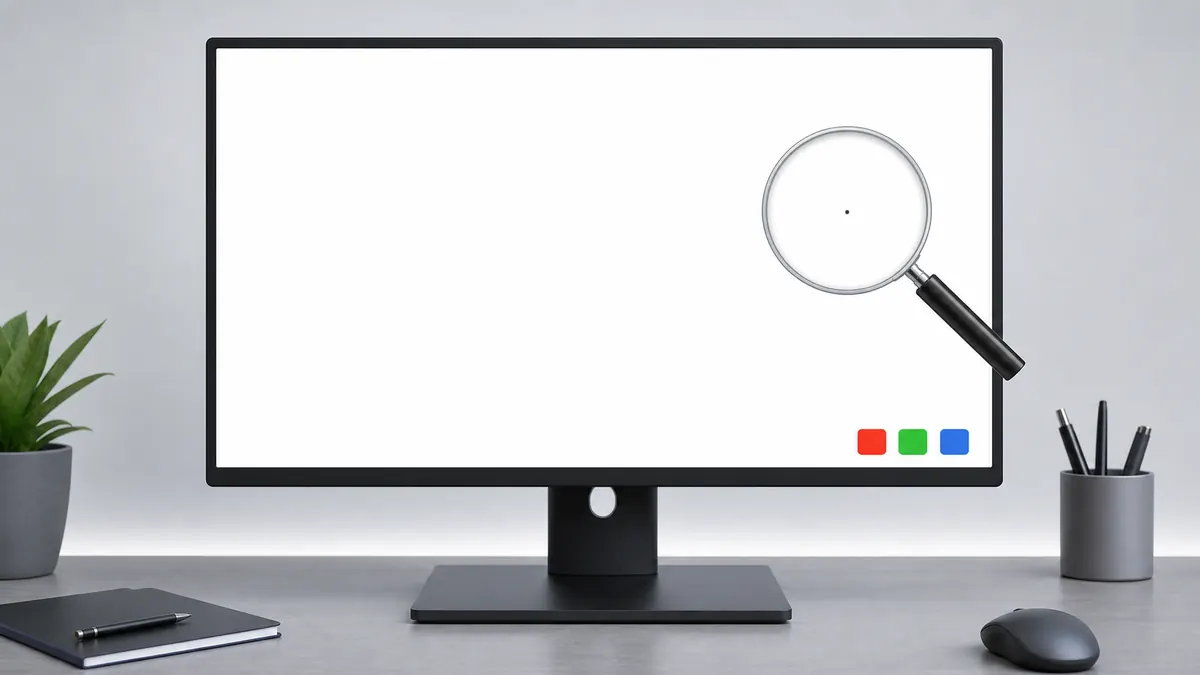
How to Check a Monitor for Dead Pixels
A reliable dead pixel check uses fullscreen solid colors, steady lighting, and a repeatable inspection path. The goal is to separate real panel defects from dust, reflections, scaling artifacts, and temporary cable issues.
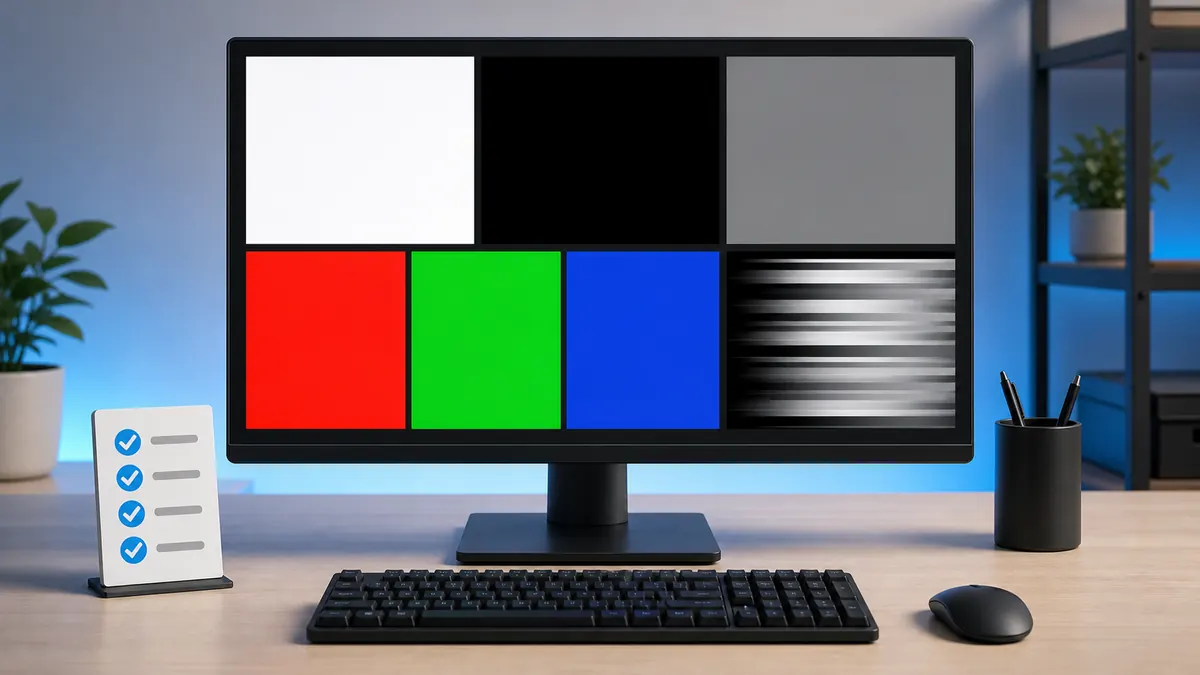
How to Test a New Monitor
A new monitor should be tested before you mount it, remove packaging, or let the return window pass. Start with panel defects, then verify uniformity, tone, text clarity, refresh rate, and real content.
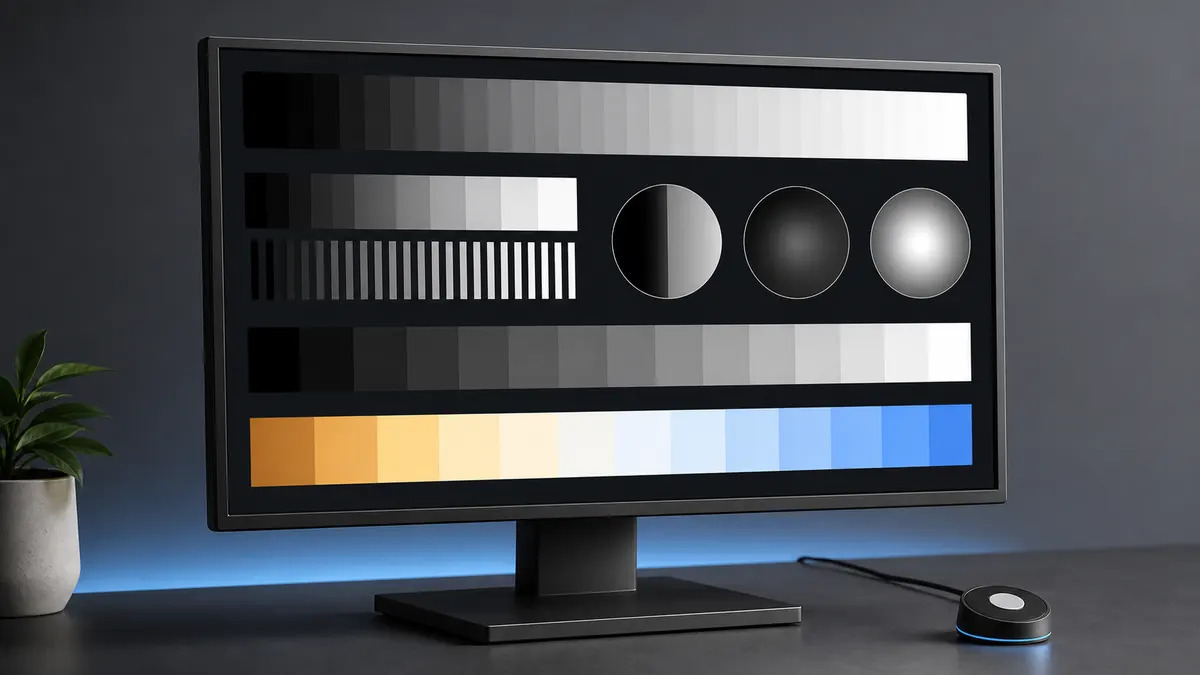
Monitor Calibration Guide
Browser tests can help you set a monitor to a sensible baseline and spot obvious problems. They do not replace a colorimeter, but they make brightness, contrast, gamma, sharpness, and banding easier to judge before hardware calibration.
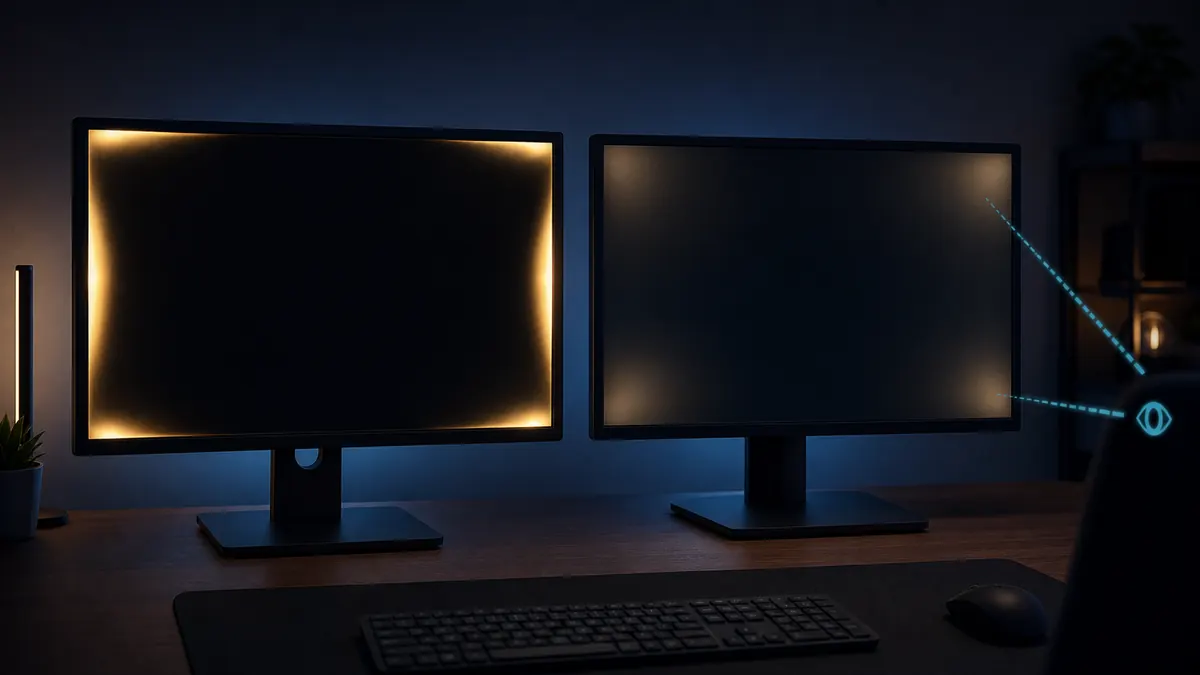
Backlight Bleed vs IPS Glow
Backlight bleed and IPS glow both appear on dark screens, but they behave differently. Bleed is usually fixed in place, while IPS glow changes with viewing angle, seating position, brightness, and camera exposure.
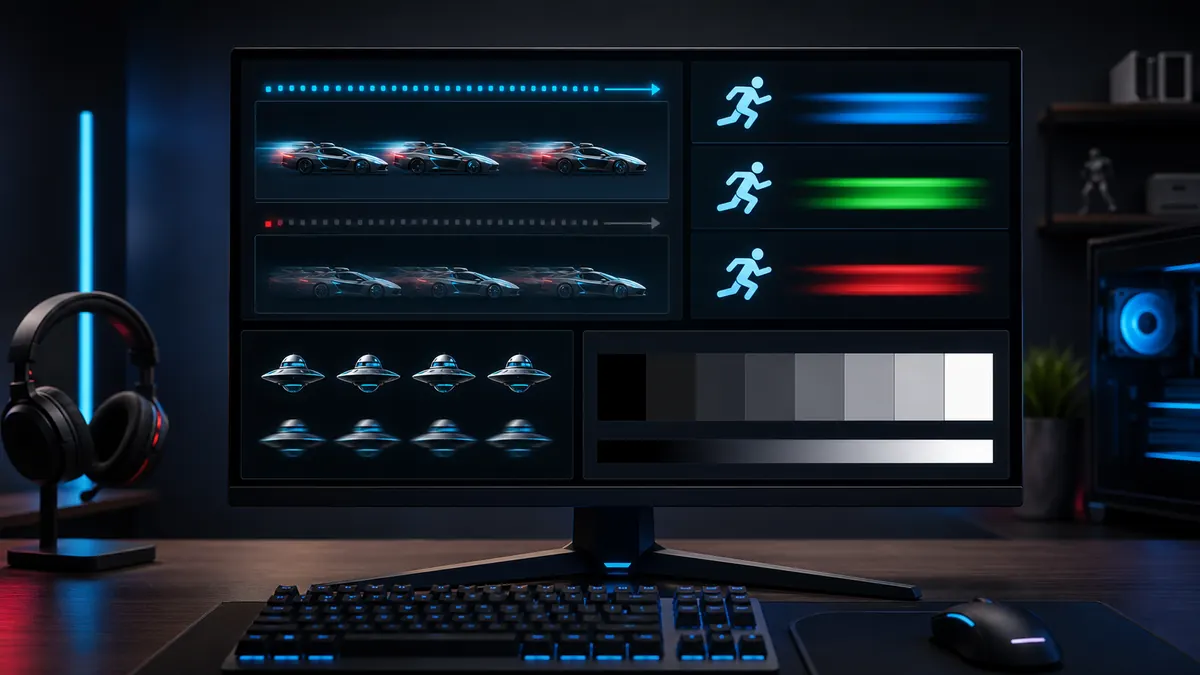
Best Monitor Settings for Gaming
The best gaming monitor settings balance motion clarity, visibility, latency, and comfort. Confirm refresh rate first, then tune brightness, contrast, gamma, adaptive sync, and overdrive with real gameplay checks.