Color Accuracy Test Online
Compare sRGB patches, a P3 versus sRGB split, and grey fields to judge color bias and wide-gamut behavior.
Live screen test
Start with the real patterns.
Reds, greens, and skin tones should look familiar, not neon. This is not a ΔE score.
What it checks
Use this test when you need a clear visual answer.
Color Accuracy Test is built for quick inspection, not lab measurement. It gives you controlled browser patterns so you can decide whether the screen needs setup, retesting, or warranty attention.
Primary color bias
sRGB vs P3 saturation
Grey neutrality
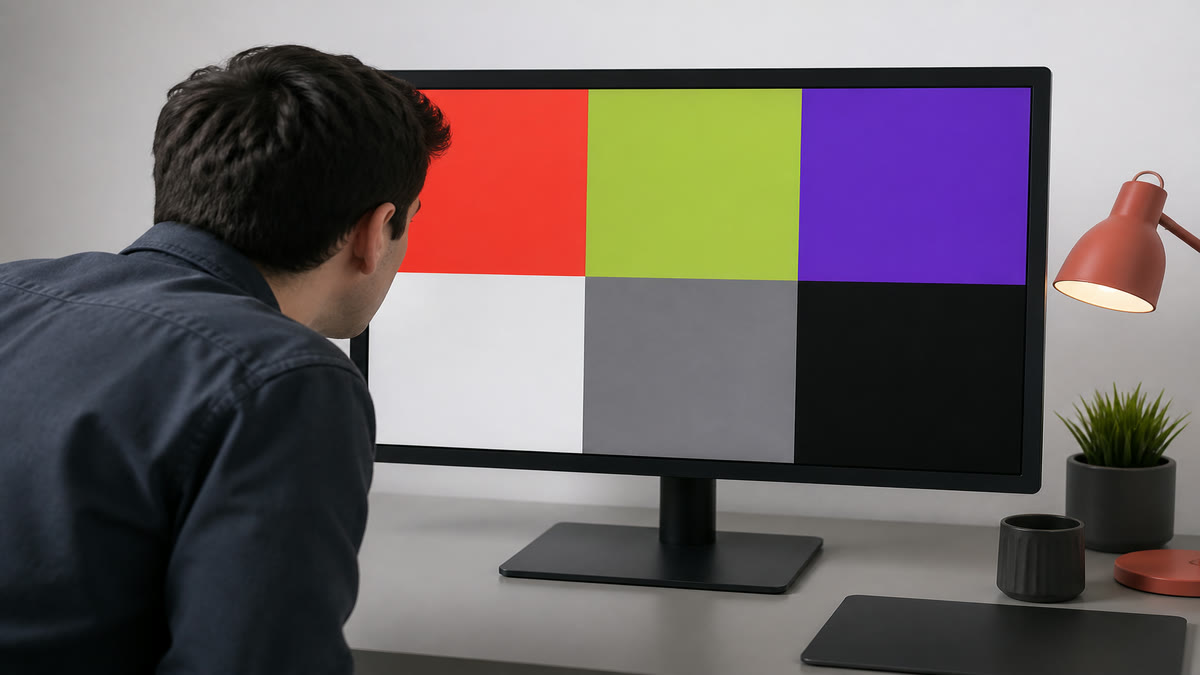
If a primary looks neon or drifted, the picture mode is biased. This is not a ΔE meter.
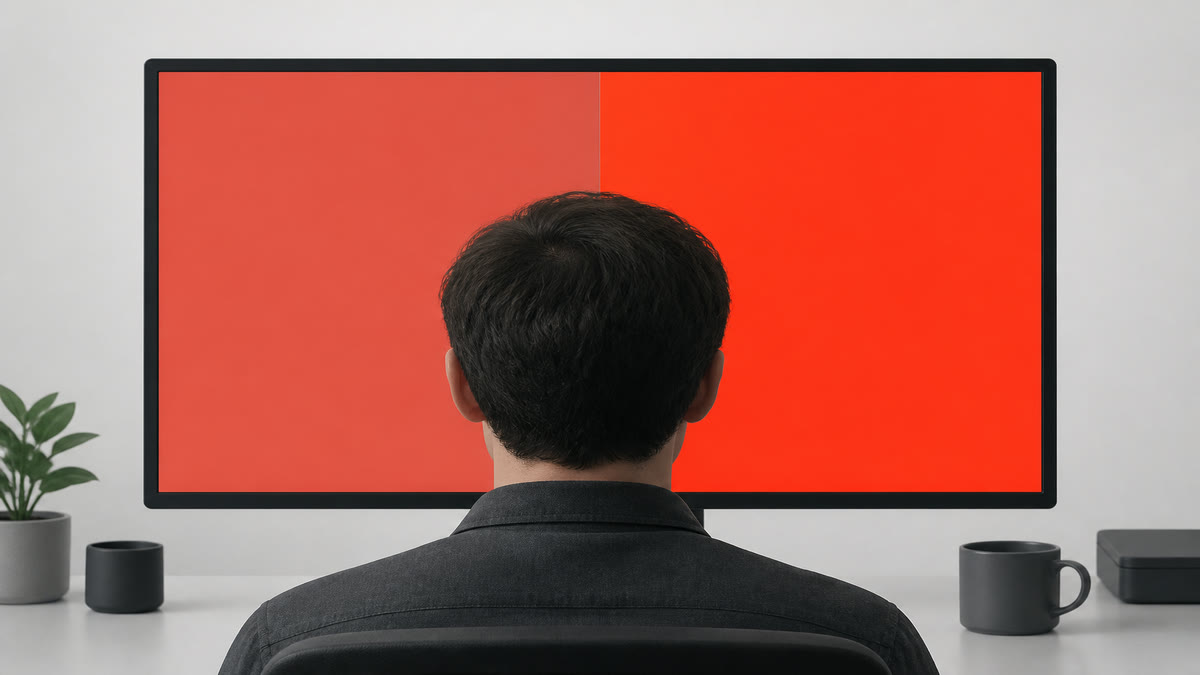
Extra saturation on the P3 half means the panel can show a wider gamut. This is not a 100% sRGB score.
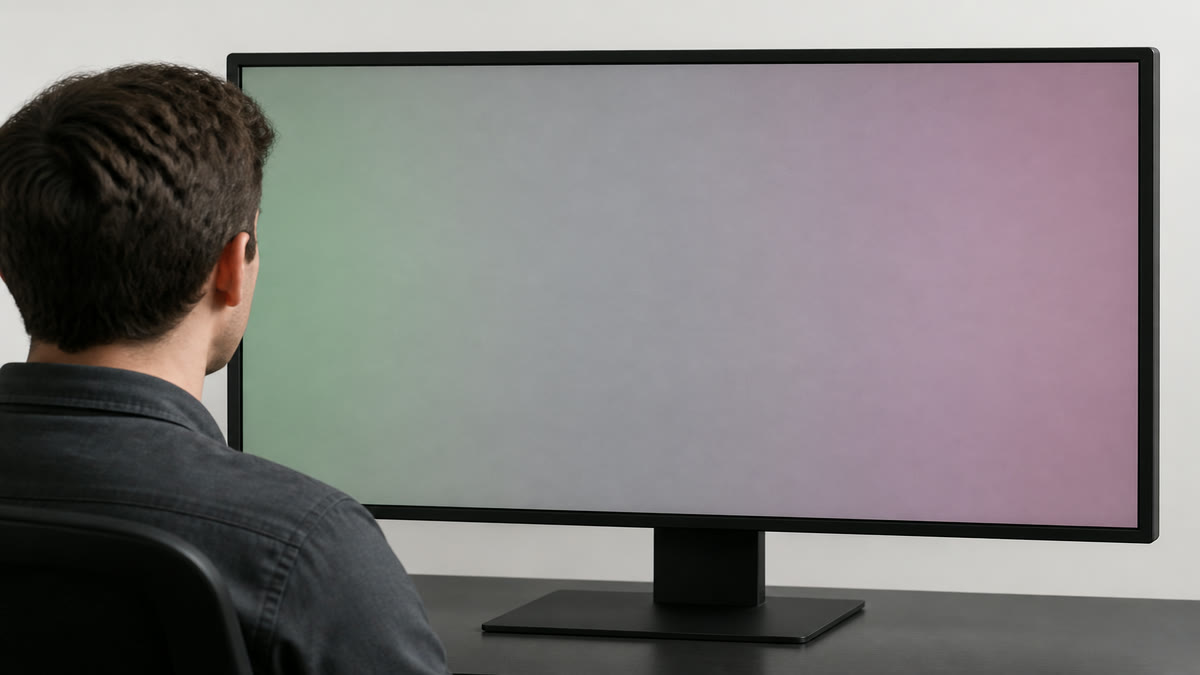
Color on a grey field is white-balance, not a dead pixel. The 17-step bars stay on the greyscale page.
Result guide
How to read the color accuracy result
Start with the srgb patches pattern, then switch to adjacent patterns before making a decision. A real display problem usually stays in the same area when the pattern changes. A reflection, viewing angle shift, browser zoom issue, or temporary image setting often changes when you move your head, adjust brightness, or repeat the test after a restart.
Primary color bias
Use this page to isolate primary color bias under controlled screen patterns. Scan the center, edges, and corners, then confirm the same area with a second pattern before you treat it as a panel issue.
sRGB vs P3 saturation
Use this page to isolate srgb vs p3 saturation under controlled screen patterns. Scan the center, edges, and corners, then confirm the same area with a second pattern before you treat it as a panel issue.
Grey neutrality
Use this page to isolate grey neutrality under controlled screen patterns. Scan the center, edges, and corners, then confirm the same area with a second pattern before you treat it as a panel issue.
Workflow
How to use the color accuracy test
Set the display to sRGB or a standard picture mode if it has one, then open the sRGB patches.
Reds, greens, and skin tones should look familiar, not neon. Greys should stay grey.
Open P3 vs sRGB. Extra saturation on the P3 half means the panel can show a wider gamut.
Use cases
Where this screen test is most useful
Design and photo check
Catch a vivid mode that makes every logo too hot before you edit.
Wide-gamut claim
The P3 half should look richer on a wide panel and similar on sRGB-only screens.
Grey cast
A pink or green mid grey is often easier to see than a wrong red.
Reading the result
Practical tips before you decide
This is not ΔE
You are comparing patches by eye. A colorimeter is still required for measured accuracy.
sRGB mode for web work
A wide-gamut screen in native mode will oversaturate ordinary sRGB images.
One page, three jobs
sRGB patches, P3 compare, and grey neutrality live here so we do not split gamut into extra URLs yet.
Device setup
Use the same screen test across real viewing setups
The color accuracy test works best when the test matches the way you actually use the display. Keep the room lighting, brightness, scaling, and viewing distance close to normal, then repeat the pattern only after a setting change. This keeps the result practical instead of turning the page into a lab claim.
Desktop and laptop monitors
Use native resolution, 100 percent browser zoom, and the monitor picture mode you normally use. If you change brightness, contrast, overdrive, or color temperature, repeat the color accuracy pass before comparing results.
TVs, projectors, and large panels
Step back to your real viewing distance after a close inspection. Large screens can exaggerate small edge, glow, focus, or processing issues, so confirm anything suspicious with normal video, games, or desktop content.
Phones and tablets
Rotate the device if the browser supports it, clean the glass, and reduce reflections before judging the result. Some mobile browsers limit fullscreen behavior, but the same pattern sequence still helps with quick display checks.
Related tests
Continue with adjacent checks
Gamma Test
Gamma affects midtone brightness. This test gives you reference patterns for judging whether gray steps look balanced.
Color Banding Test
Smooth gradients reveal banding, posterization, and compression-like steps that flat color screens can hide.
Greyscale Test
Walk 17 grey steps and solid gray fields to see crushed shadows, clipped highlights, tint, and dirty screen effect.
HDR Test
See if this window reports high dynamic range, then use highlight and wide-gamut patterns to judge HDR tone behavior.
FAQ
Color Accuracy Test questions
These answers match the visible test on this page and avoid warranty or measurement claims that depend on your specific display.
Can a website measure color accuracy?
It can show reference patches and gamut compares. It cannot output a trusted ΔE number without a hardware meter and a known profile.
What does the P3 vs sRGB split mean?
Both halves are full red, but the right half uses display-p3. If it looks more saturated, the pipeline can show P3. If both sides match, you are likely on an sRGB-limited path.
Why do greys look green?
The white balance is pulled toward green, or a picture mode is boosting that channel. Switch to sRGB or Standard and retest before blaming the panel.
Is this an sRGB test or a gamut test?
Both. The first pattern is an sRGB card. The P3 patterns check wide gamut. Use the same page instead of opening three near-duplicate tools.
Can this prove 100% sRGB, or should I use a screenshot?
No. A browser cannot print a trusted coverage percent or a ΔE number. Use the live sRGB card and the P3 split. A saved PNG or screenshot is not this test, and this page is not a color-vision quiz.
Can I use the color accuracy test on more than one device?
Yes. Open the same page on each monitor, laptop, phone, tablet, TV, or projector, then compare the color accuracy result under similar brightness and room lighting. Device browsers can handle fullscreen differently, but the visual patterns are still useful for a practical check.
Does this online color accuracy test replace professional calibration?
No. This page is a browser-based visual test for finding obvious display problems and setup issues. For color-critical work, brightness targets, or measured calibration, use a hardware colorimeter or professional display workflow after the visual pass.
How to Check a Monitor for Dead Pixels
A reliable dead pixel check uses fullscreen solid colors, steady lighting, and a repeatable inspection path. The goal is to separate real panel defects from dust, reflections, scaling artifacts, and temporary cable issues.
How to Test a New Monitor
A new monitor should be tested before you mount it, remove packaging, or let the return window pass. Start with panel defects, then verify uniformity, tone, text clarity, refresh rate, and real content.
Monitor Calibration Guide
Browser tests can help you set a monitor to a sensible baseline and spot obvious problems. They do not replace a colorimeter, but they make brightness, contrast, gamma, sharpness, and banding easier to judge before hardware calibration.
Ready to inspect the full screen?
Open the fullscreen pattern and move through the test slowly.