Screen Resolution Checker
Read the CSS screen size, the estimated device pixels, the browser viewport, and DPR from this window.
Live display readout
Your screen resolution
Numbers come from this browser window. Nothing is uploaded.
— Reading display…
- Screen
- —
- Device pixels
- —
- Viewport
- —
- DPR
- —
- Aspect
- —
- Color depth
- —
- Refresh (est.)
- —
- Closest label
- —
What it checks
Use this test when you need a clear visual answer.
Resolution Checker is built for quick inspection, not lab measurement. It gives you controlled browser patterns so you can decide whether the screen needs setup, retesting, or warranty attention.
Screen vs viewport
DPR and device pixels
Closest common label
Screen is the display CSS size. Viewport shrinks with the window. Resizing does not change the panel.
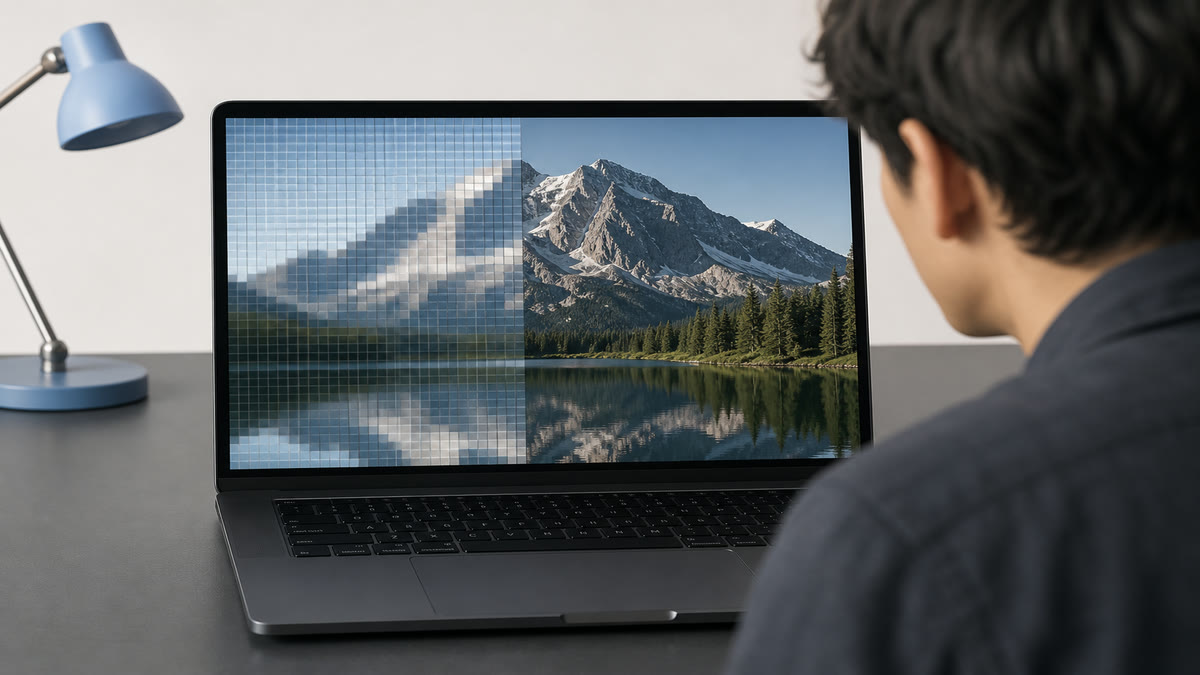
Multiply CSS screen by DPR, or read the device-pixel line. This is not a PPI tape.
Closest label compares device pixels with 1080p, 1440p, and 4K. This is not a wallpaper download.
Result guide
How to read the resolution result
Start with the white pattern, then switch to adjacent patterns before making a decision. A real display problem usually stays in the same area when the pattern changes. A reflection, viewing angle shift, browser zoom issue, or temporary image setting often changes when you move your head, adjust brightness, or repeat the test after a restart.
Screen vs viewport
Use this page to isolate screen vs viewport under controlled screen patterns. Scan the center, edges, and corners, then confirm the same area with a second pattern before you treat it as a panel issue.
DPR and device pixels
Use this page to isolate dpr and device pixels under controlled screen patterns. Scan the center, edges, and corners, then confirm the same area with a second pattern before you treat it as a panel issue.
Closest common label
Use this page to isolate closest common label under controlled screen patterns. Scan the center, edges, and corners, then confirm the same area with a second pattern before you treat it as a panel issue.
Workflow
How to use the resolution checker
Read the large screen size first. That is CSS pixels, not always the marketing 4K number.
Multiply by DPR, or just read the device-pixel line, to estimate the physical panel grid.
Copy the details if you need them for a support ticket, then set the OS back to native resolution if the numbers look low.
Use cases
Where this screen test is most useful
Is this 1080p or 2K?
Compare the device-pixel line with 1920×1080, 2560×1440, or 3840×2160.
Retina or scaled desktop
A Mac can report 1512×982 at 2× while the panel is much denser.
Browser layout testing
Viewport shrinks when the window or browser chrome changes. Screen does not.
Reading the result
Practical tips before you decide
Three numbers, three jobs
Screen is the display CSS size. Device pixels estimate the panel. Viewport is the page area.
Refresh is an estimate
The Hz figure counts animation frames for about one second. It can be wrong if the tab is throttled.
This is not a PPI tape measure
The browser does not know the physical inch size of your panel.
Device setup
Use the same screen test across real viewing setups
The resolution checker works best when the test matches the way you actually use the display. Keep the room lighting, brightness, scaling, and viewing distance close to normal, then repeat the pattern only after a setting change. This keeps the result practical instead of turning the page into a lab claim.
Desktop and laptop monitors
Use native resolution, 100 percent browser zoom, and the monitor picture mode you normally use. If you change brightness, contrast, overdrive, or color temperature, repeat the resolution pass before comparing results.
TVs, projectors, and large panels
Step back to your real viewing distance after a close inspection. Large screens can exaggerate small edge, glow, focus, or processing issues, so confirm anything suspicious with normal video, games, or desktop content.
Phones and tablets
Rotate the device if the browser supports it, clean the glass, and reduce reflections before judging the result. Some mobile browsers limit fullscreen behavior, but the same pattern sequence still helps with quick display checks.
Related tests
Continue with adjacent checks
Refresh Rate Test
A refresh-rate visual test helps you confirm that motion looks smoother after switching to a higher display mode.
Text Clarity Test
Text samples and fine lines help reveal blur, wrong scaling, subpixel issues, and overly sharp processing.
Monitor Test Patterns
Test patterns combine grids, lines, gradients, and color blocks so you can check geometry and image processing quickly.
HDR Test
See if this window reports high dynamic range, then use highlight and wide-gamut patterns to judge HDR tone behavior.
FAQ
Resolution Checker questions
These answers match the visible test on this page and avoid warranty or measurement claims that depend on your specific display.
How do I check if my display is 2K or 4K?
Read the device-pixel line. 2560×1440 is the common 2K/QHD grid. 3840×2160 is 4K UHD. If only the CSS screen size is 1920×1080 at 2× DPR, the panel can still be 4K.
Why is the number lower than the box said?
Scaling, a non-native OS resolution, or CSS pixels on a high-DPR screen will do that. Check DPR and device pixels before assuming the panel is wrong.
Does resizing the window change resolution?
It changes the viewport only. The screen size stays the same unless you move the window to another display.
Is the refresh rate exact?
It is a one-second frame count, or the browser refreshRate value when the engine exposes it. Use the dedicated refresh-rate test if you need a visual Hz check.
Is this a PPI tape, a Windows resolution changer, or a wallpaper tool?
No. This page reads the CSS screen size, estimated device pixels, the browser viewport, and DPR from this window, then lets you copy them. It does not know the physical inch size of the panel, it does not change the OS resolution, and it does not download wallpapers. A Chrome extension and TestUFO are different products. Visual Hz stays on the refresh-rate test.
Can I use the resolution checker on more than one device?
Yes. Open the same page on each monitor, laptop, phone, tablet, TV, or projector, then compare the resolution result under similar brightness and room lighting. Device browsers can handle fullscreen differently, but the visual patterns are still useful for a practical check.
Does this online resolution test replace professional calibration?
No. This page is a browser-based visual test for finding obvious display problems and setup issues. For color-critical work, brightness targets, or measured calibration, use a hardware colorimeter or professional display workflow after the visual pass.
How to Check a Monitor for Dead Pixels
A reliable dead pixel check uses fullscreen solid colors, steady lighting, and a repeatable inspection path. The goal is to separate real panel defects from dust, reflections, scaling artifacts, and temporary cable issues.
How to Test a New Monitor
A new monitor should be tested before you mount it, remove packaging, or let the return window pass. Start with panel defects, then verify uniformity, tone, text clarity, refresh rate, and real content.
Monitor Calibration Guide
Browser tests can help you set a monitor to a sensible baseline and spot obvious problems. They do not replace a colorimeter, but they make brightness, contrast, gamma, sharpness, and banding easier to judge before hardware calibration.
Ready to inspect the full screen?
Open the fullscreen pattern and move through the test slowly.